IT for Law Firms & Professional Offices
Meeting rooms that work the first time, secure client files, and video that makes your firm look as professional as it is.
Plan Your Meeting RoomsOverview
Law firms, accounting practices, and consulting offices run on meetings: client consultations, depositions, board sessions, closings, and team huddles. When the camera will not connect or the room is double-booked, it costs billable time and client confidence.
DeBerry Contracts designs, installs, and supports the technology professional offices depend on every day. We set up conference rooms and room booking, configure Microsoft Teams and Zoom rooms, run live streams for events and webinars, and protect confidential client work with secure email and document sharing.
Challenges We Solve
- Meetings start late because the display, camera, or microphone will not connect.
- Conference rooms are double-booked or sit empty because nobody can see availability.
- Remote hearings, depositions, and hybrid client meetings need reliable, clear audio and video.
- Confidential client files are shared over personal email or consumer file-sharing apps.
- Seminars, CLE sessions, and webinars need a professional live stream without a production crew.
What We Do
Meeting Room Setup
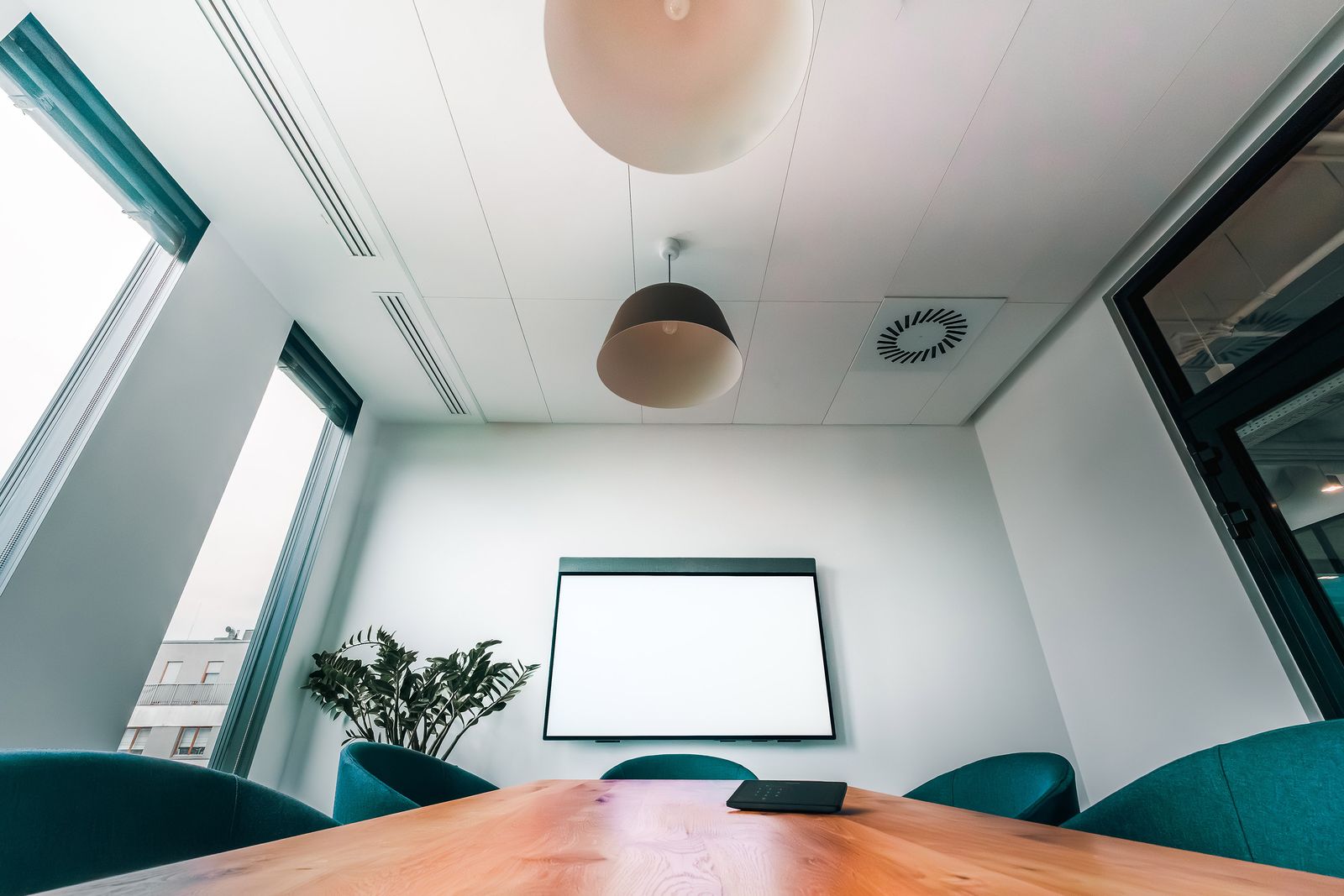
Displays, wireless screen sharing, cabling, and simple one-touch controls so any room is ready in seconds.
Room & Resource Booking
Microsoft 365 room and resource mailboxes, booking panels outside each door, and calendars that show what is free.
Video Conferencing Rooms
Microsoft Teams Rooms and Zoom Rooms with the right cameras, microphones, and speakers for each room size.
Live Stream & Event Support
Town halls, seminars, CLE sessions, and webinars streamed through Teams, Zoom, or YouTube, with on-site or remote support.
Office Phone Systems
Microsoft Teams Phone or a cloud phone system with auto attendants, call routing, voicemail to email, and mobile apps.
Secure Client Document Sharing
Encrypted email, sensitivity labels, and secure client portals in SharePoint so confidential files stay protected.
Microsoft 365 & Copilot
Email, Teams, and OneDrive set up correctly, plus Copilot for meeting summaries and drafting with permissions locked down.
Backup & Device Security
Backups of email and files, protected laptops and phones, and remote wipe when a device is lost.
Who We Serve
Law Firms
Solo practices through multi-office firms
Accounting & CPA Firms
Tax, audit, and bookkeeping practices
Consulting Firms
Management, HR, and government consulting offices
Architecture & Engineering
Design firms presenting to clients and partners
Title & Settlement Companies
Closing rooms and secure document exchange
Associations & Executive Offices
Board rooms, member meetings, and events
Frequently Asked Questions
Let's Connect
Talk with a specialist about your law firms & professional offices needs.
Plan Your Meeting Rooms Sales@deberrycontracts.comMore Small and Medium Businesses
Ready to Get Started?
Meeting rooms that work the first time, secure client files, and video that makes your firm look as professional as it is.